Adding questions
- CSV Import
- One at a time
Click Import questions to load many questions at once:
- Download the provided template.
- Fill in your questions. Only the questions column is mandatory. An optional
categoriecolumn lets you assign categories — empty means the default category, and new categories are created automatically. - Upload the file (CSV, up to 2 MB). Imported questions are active by default. Duplicates already present are skipped and reported.
Question fields
Categories and priority order
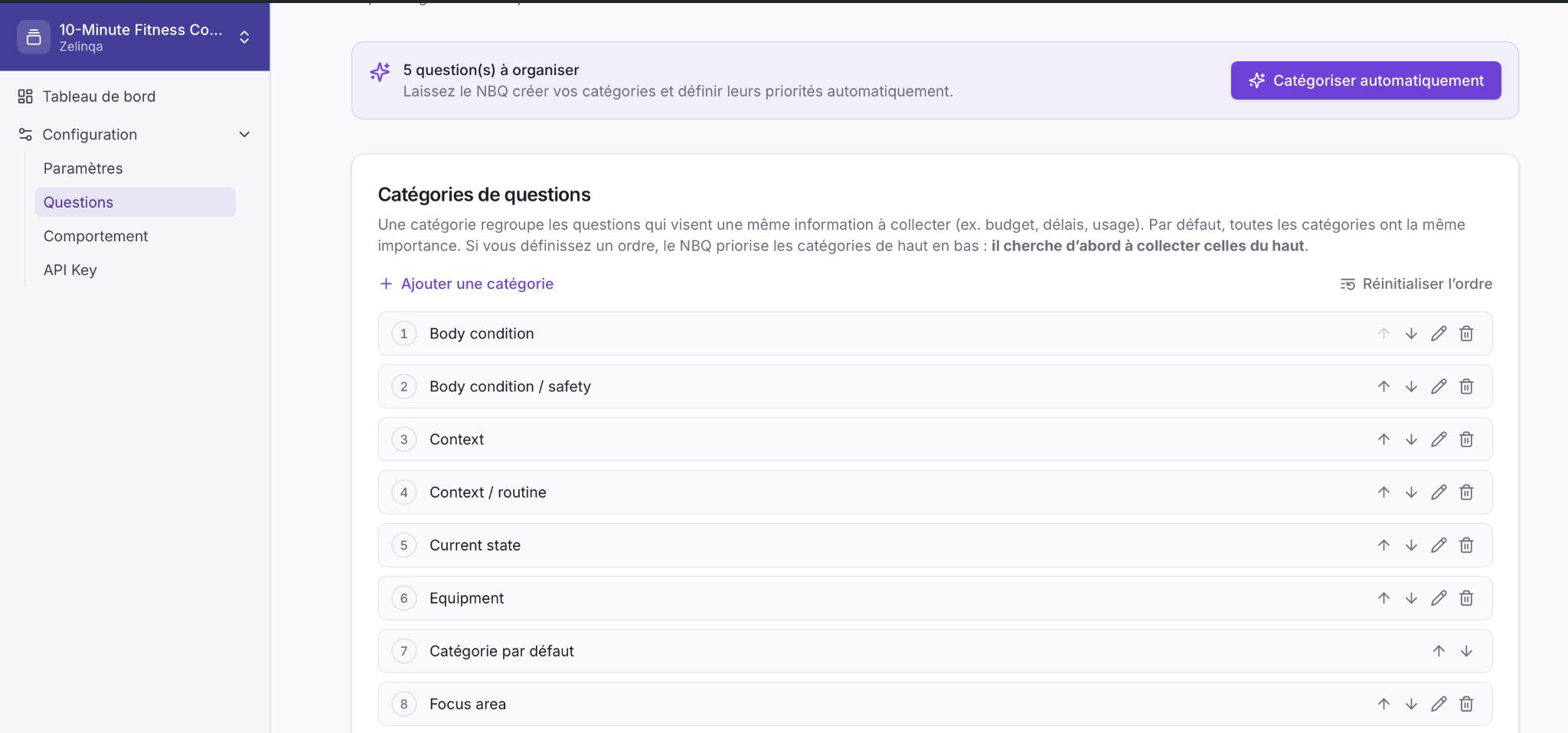
A category groups questions that aim to collect the same piece of information — for example, budget, timeline, or use case. By default all categories have equal importance. You can optionally define a priority order by ranking categories top to bottom. The engine then prioritises collecting higher-ranked categories first. You can reorder with the ↑ ↓ controls next to each category, or reset to equal priority at any time.Auto-organise with AI
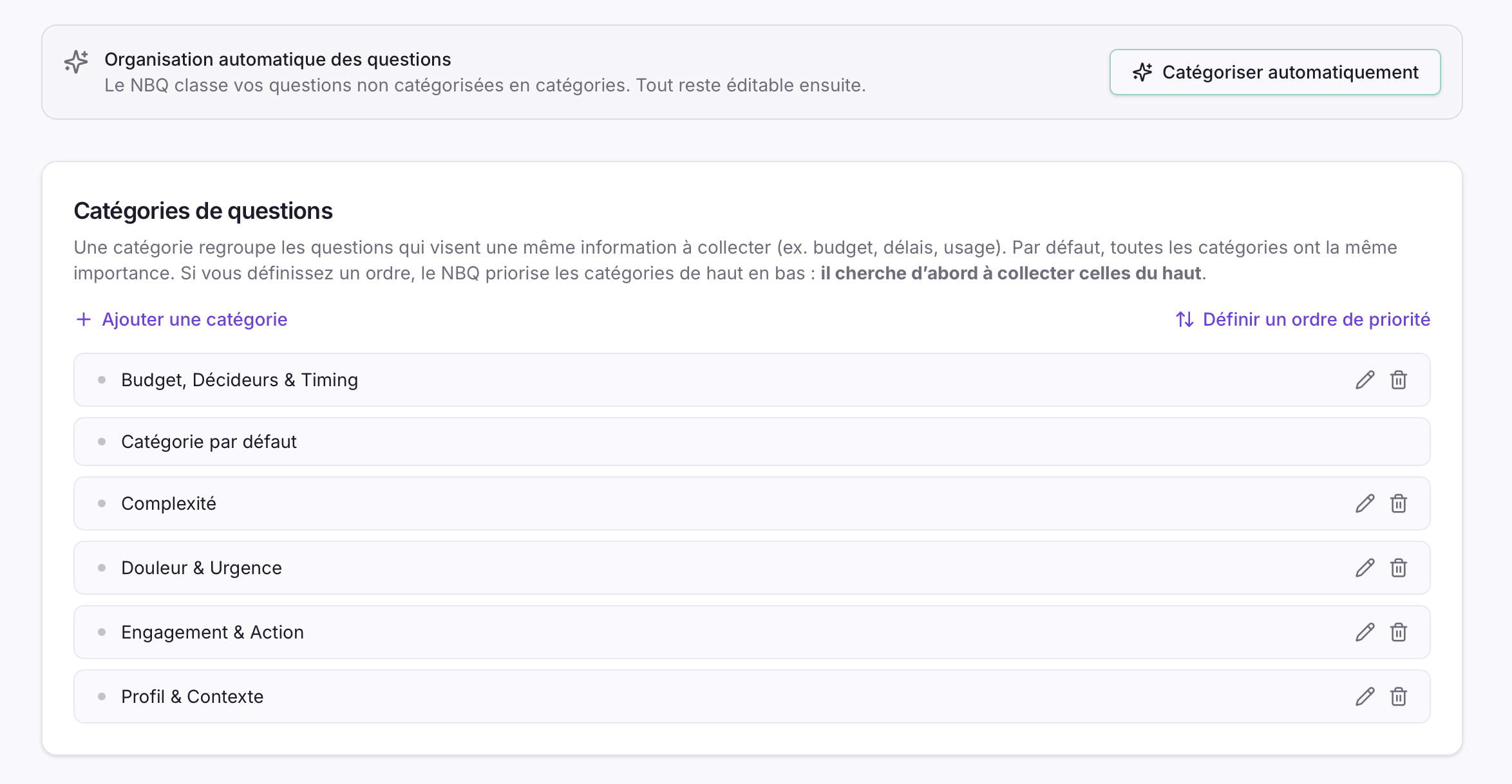
Auto-organise only touches questions still in the default category. Anything you have already organised is left untouched. It also sets an initial priority order for the categories it creates — you can freely reorder them afterwards using the ↑ ↓ arrows next to each category. It is the fastest way to finish setup right after a CSV import.
How answered questions are tracked
Your application sends theanswered_question_ids list with every API request. The engine automatically excludes any question whose external_id appears in that list — it never repeats a question.
The engine does not store which questions have been answered. Your application owns that state and sends it with each call — this is what makes the API stateless.