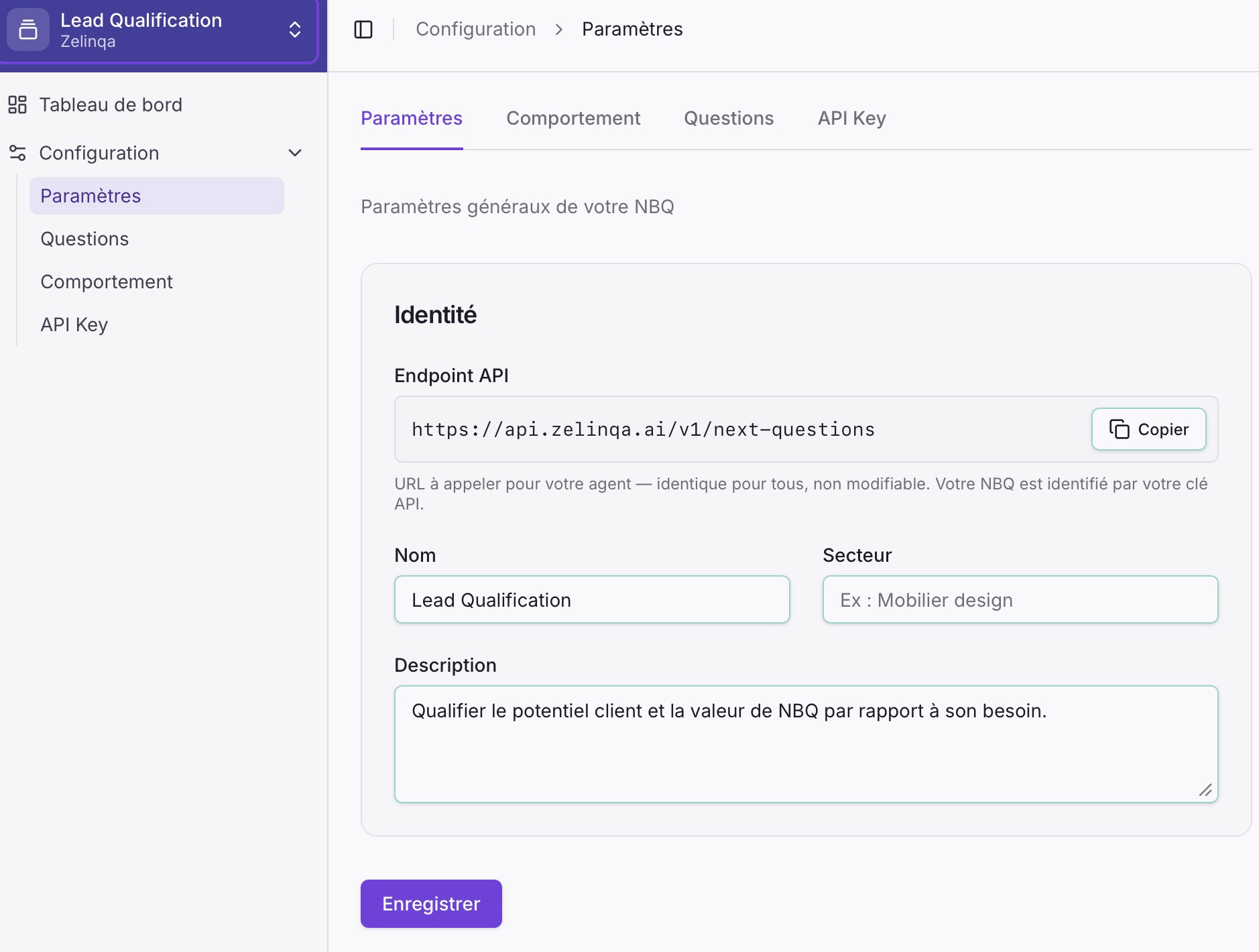
The Parameters tab (Paramètres) holds the identity fields for your NBQ agent.
Parameters tab in the Zelinqa NBQ Studio
The tab shows your API endpoint (fixed, not editable — your NBQ instance is identified by your API key, not the URL), and three editable fields: Name, Sector, and Description. Hit Save (Enregistrer) to save any changes.

Configuration fields

FieldRequiredDescription
NameYesA human-readable label for this agent (e.g. “Outdoor Furniture Qualifier”)
SectorYesThe business area this agent operates in (e.g. “Design furniture”, “B2B SaaS”)
DescriptionNoA short free-text description of the agent’s purpose

Danger zone

The Parameters tab includes a danger zone that lets you permanently delete the agent and all its data (questions, behaviour settings, API keys, and conversation history). This action cannot be undone.

How to update

1

Open the NBQ Studio

Log in and navigate to your NBQ instance.
2

Go to Parameters

Click Configuration → Parameters (Paramètres).
3

Edit and save

Update the fields and click Save. Changes apply immediately.