

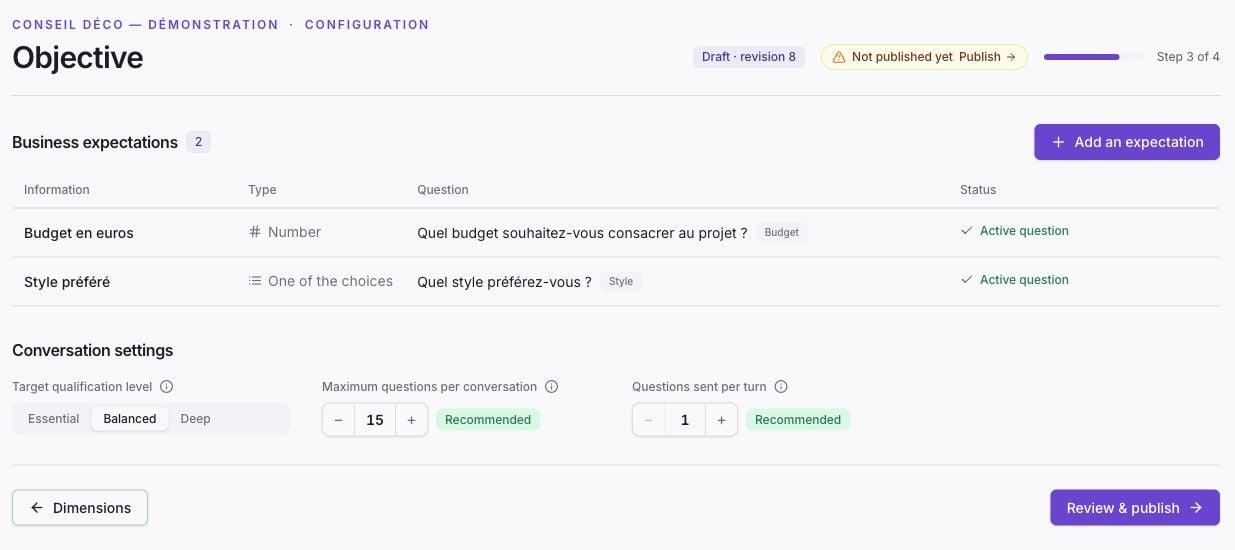
Fictional French-language demo domain in Zelinqa Studio.
Configure an information item
On the Studio’s Objective page, under Information to collect, select Add information, then set its label, value type, and active primary question. The Studio generates the identifier used by your integration. In the API, each item is asuccess_information. For a choice question, a choice can map to the value to record.
An exploratory question helps understand a topic without necessarily producing a structured value. You do not need an item of information to collect for every question.
Where does the value come from?
It may come from an analyzed answer, a choice mapped to a value, or already-known data supplied by your integration. Only declare data confirmed when it is actually known.
See Progress and qualification and SDK examples for known data.